Instax Square SQ10 Review: Hybrid Instant Camera Guide
Instax Square SQ10 Review: Hybrid Instant Camera Guide
The Fujifilm Instax Square SQ10 is not a normal instant camera. It is a hybrid instant camera that combines digital photography with instant printing. You can take a photo, preview it, make simple edits, and print only the shots you love.
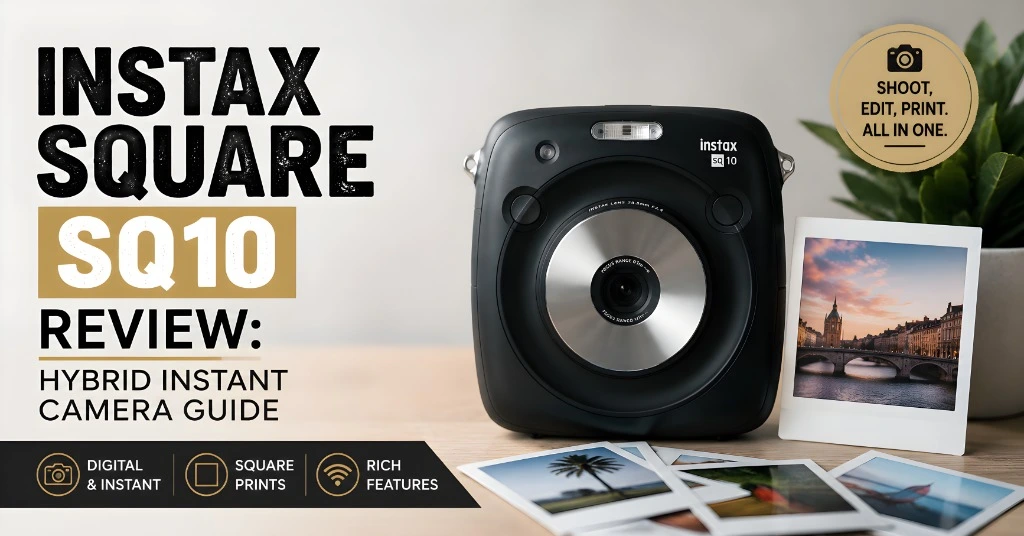
That is what makes the SQ10 so addictive. It gives you the fun of instant photography without the pressure of wasting film on bad shots. For casual users, it is simple and fun. For photography lovers, it offers enough creative control to make every print feel personal.
What Makes the Instax Square SQ10 Unique?
The Instax Square SQ10 stands out because it blends two worlds: digital editing and instant printing. Traditional instant cameras print every photo as soon as you take it. That can be fun, but it can also waste film if the lighting is poor or the subject blinks.
With the SQ10, you can take the photo first, check it on the screen, adjust it, and then decide whether to print. This gives you more control over your final result.
Key Features of the Instax Square SQ10
The camera includes several useful features that make it more flexible than many classic instant cameras:
This combination makes the Instax Square SQ10 ideal for users who want instant prints but still want some control before printing.
Design and Build
The Instax Square SQ10 has a clean and minimal design. It feels modern, simple, and easy to carry. The body is compact enough for casual outings, events, and travel, but it still feels solid in hand. The camera has a centered lens and a simple control layout. It does not feel complicated, which is a big advantage for beginners.
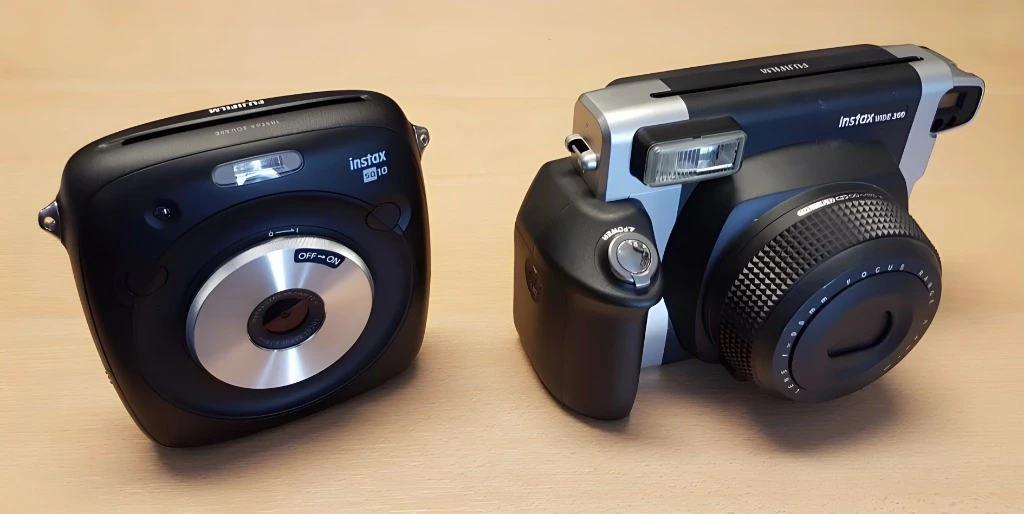
You do not need advanced photography knowledge to start using it. The lens has a 28.5mm focal length and a maximum aperture of f/2.4. It will not create the deep background blur of a DSLR or mirrorless camera, but it works well for everyday photos, portraits, flat lays, and colorful scenes.
Simple Creative Controls
The SQ10 keeps editing simple. You can adjust your image before printing using:
The filters are not extreme, so they keep photos natural. In many cases, the brightness and vignette controls are more useful than the filters. These small edits can make a photo look cleaner and more balanced before printing.
Image Quality
The Instax Square SQ10 uses a small digital sensor, so you should not expect smartphone or DSLR-level image quality. Its digital files are 1920 x 1920 pixels, which is under 4 megapixels. However, that resolution is enough for Instax Square prints. The camera is designed for instant physical photos, not large digital files.
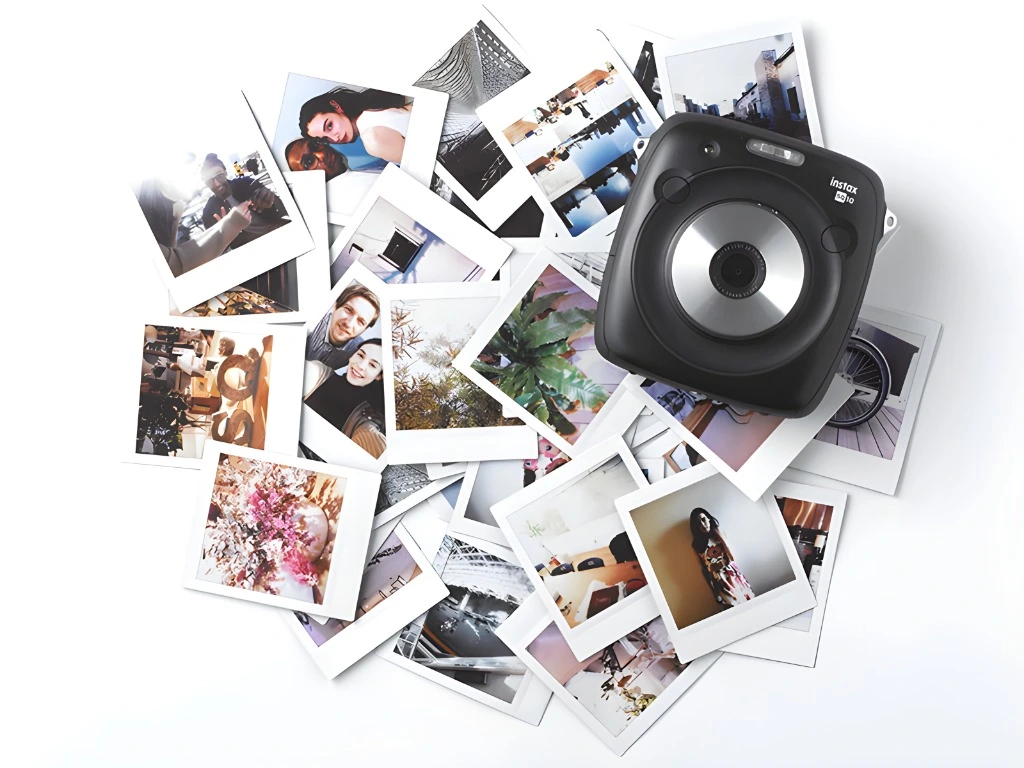
When used in the right lighting, the prints can look sharp, colorful, and charming. The SQ10 performs best in soft, bright light. Outdoor shade, window light, and evenly lit indoor spaces work well. Harsh midday sunlight can create strong shadows, while very dark rooms can make photos look flat or noisy.
Tips for Better Image Quality
Use these simple tips to get better photos from the SQ10:
The SQ10 is not made for perfect technical photography. It is made for fun, creative, physical memories. Once you understand its limits, it becomes much easier to get beautiful results.
How to Use the Instax Square SQ10
Using the Instax Square SQ10 is simple. The camera is beginner-friendly, but it also gives you room to experiment.
Step-by-Step Guide
Each Instax Square cartridge contains 10 prints. Insert it carefully into the camera.
Switch on the camera and choose your preferred mode.
Auto mode can print quickly, while Manual mode lets you choose which shots to print.
Frame your subject on the screen and press the shutter button.
Adjust brightness, add a filter, or use a vignette if needed.
Press the print button when you are happy with the image.
Use a microSD card if you want to store your photos and print them later.
The biggest benefit is that you do not need to print every photo immediately. You can take several shots, choose the best one, edit it, and then print.
Creative Tips for Best Results
The Instax Square SQ10 rewards careful framing. Because each print feels special, you naturally start thinking more about composition, light, and color.
Think Before You Shoot
Unlike a smartphone, the SQ10 makes each photo feel more intentional. Look at the background, check the light, and make sure your subject stands out.
Use Bright Colors
Colorful clothing, flowers, food, signs, and party decorations look great on Instax Square film. Bright colors help the small print feel more lively.
Keep Filters Subtle
The built-in filters are useful, but they are not the strongest part of the camera. Use them lightly. Brightness and vignette adjustments often improve the image more naturally.
Try Portraits and Close Subjects
The SQ10 works well for portraits, selfies, table shots, pets, and creative details. Landscapes can look less impressive because the print is small and the sensor has limited detail.
Use It at Parties
This is where the SQ10 shines. It becomes a fun conversation starter. Guests can pose, review the photo, and take home a physical print. That instant memory is what makes the camera feel special.
Pros and Cons of the Instax Square SQ10
Like every camera, the SQ10 has strengths and weaknesses. It is important to know both before buying or using it.
PROS
CONS
The SQ10 is best for people who value the experience of printing photos. If you want high-resolution digital files, a smartphone or digital camera will do better. But if you want creative instant prints, the SQ10 is still a very enjoyable option.
Why the Instax Square SQ10 Feels Addictive
The addictive feeling comes from the process. You take a picture, slightly improve it, press print, and watch a real photo come out. That small moment feels exciting every time. The hybrid design removes one of the biggest problems with traditional instant cameras: wasted film. You no longer have to print blurry, dark, or badly framed photos. You can choose the best shot before printing.
It also makes photography feel slower in a good way. Instead of taking hundreds of photos and forgetting them, you create a few prints that feel meaningful. You can put them on a wall, give them to friends, add them to a scrapbook, or keep them as memories. That mix of analog charm and digital control is the real magic of the SQ10.
Who Should Buy the Instax Square SQ10?
The Instax Square SQ10 is a good choice for:
It may not be the best choice for people who need sharp digital files, advanced manual controls, or professional image quality.
Frequently Asked Questions (FAQs)
CONCLUSION
The Fujifilm Instax Square SQ10 is more than a fun gadget. It is a creative hybrid instant camera that gives you the best parts of digital and instant photography. You can shoot, review, edit, save, and print your favorite images. This makes the camera more flexible than traditional instant cameras and less wasteful with film.
Its image quality is not perfect, and its digital files are not made for serious photography. But that is not the point. The real value of the SQ10 is the joy of creating instant square prints that you can hold, share, and keep. For parties, casual outings, travel memories, and creative everyday photography, the Instax Square SQ10 remains a fun, addictive, and rewarding camera.