Best iPhone Camera Apps for Photos and Videos to Use in 2026
Best iPhone Camera Apps for Photos and Videos to Use in 2026
Capturing stunning photos and videos on your iPhone in 2026 isn’t just about hardware—it’s also about the right apps. With thousands of photography and video tools available, finding ones that genuinely enhance your creativity can be overwhelming.
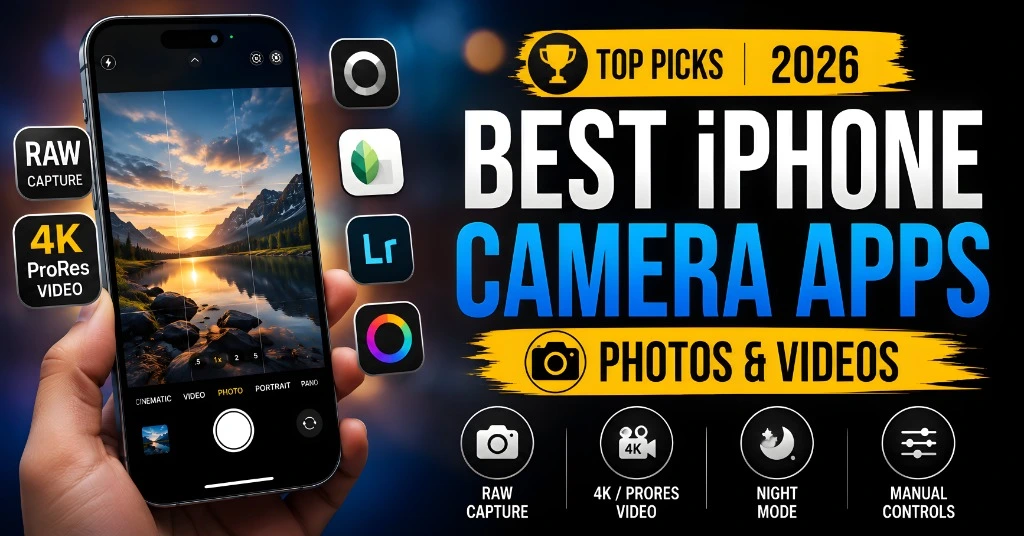
This guide highlights the best iPhone apps that actually help, from powerful editing tools to intuitive camera enhancements. Whether you’re a casual shooter, a traveler, or a content creator, these simple picks will make your iPhone photography and videography easier, faster, and more professional.
Best iPhone Photography and Video Apps in 2026
The iPhone camera is already powerful. For many people, the normal Camera app is enough for daily photos, family pictures, travel shots, food photos, and quick videos. But sometimes, you need more control. You can change the shutter speed. Maybe you want better RAW editing. Maybe you want to record a video with manual settings.
Or maybe you just want an easy app that makes your photos look cleaner without spending hours editing. That is where iPhone photography and video apps can help. In this guide, I will keep things simple. No confusing words. No long technical talk. Just clear suggestions about which app is good for which job.
Best iPhone Photography Apps in 2026
If you want a fast answer, here are the best picks:
| Need | Best App |
| Best overall iPhone camera app | ProCamera |
| Best photo editing app | Adobe Lightroom |
| Best simple free editor | Snapseed |
| Best portrait retouching app | Polarr |
| Best professional video app | Blackmagic Camera |
| Best Apple video app | Final Cut Camera |
| Best natural RAW camera app | Halide Mark III |
| Best app for star trails | NightCap Camera |
| Best backup app | Google Photos |
| Best built-in option | iPhone Camera and Photos app |
iPhone Camera App — Best for Everyday Use
Before installing any extra apps, start with the default iPhone Camera app. It is fast, simple, and made by Apple for the iPhone. That means it usually gives the most reliable results. For normal photos and videos, it is often the best choice.
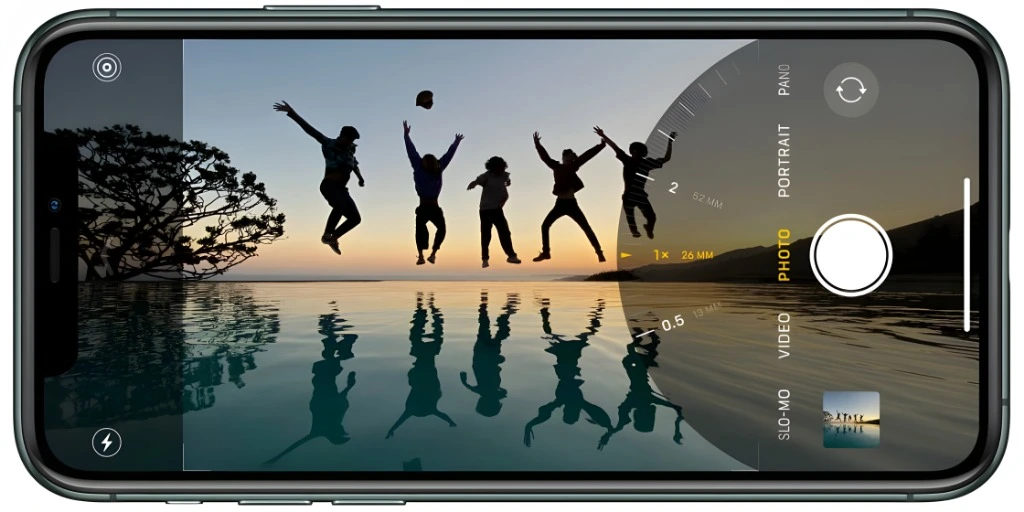
Use it for:
The built-in Photos app is also better than many people think. You can adjust brightness, contrast, shadows, highlights, warmth, sharpness, and background blur in Portrait mode.
ProCamera — Best for Manual Photo Control
ProCamera is one of the best iPhone camera apps for people who want more control than the normal Camera app gives. It is useful when you want to control exposure, focus, white balance, ISO, and shutter speed. These settings help when the normal iPhone camera makes the photo too bright, too dark, or too blurry.
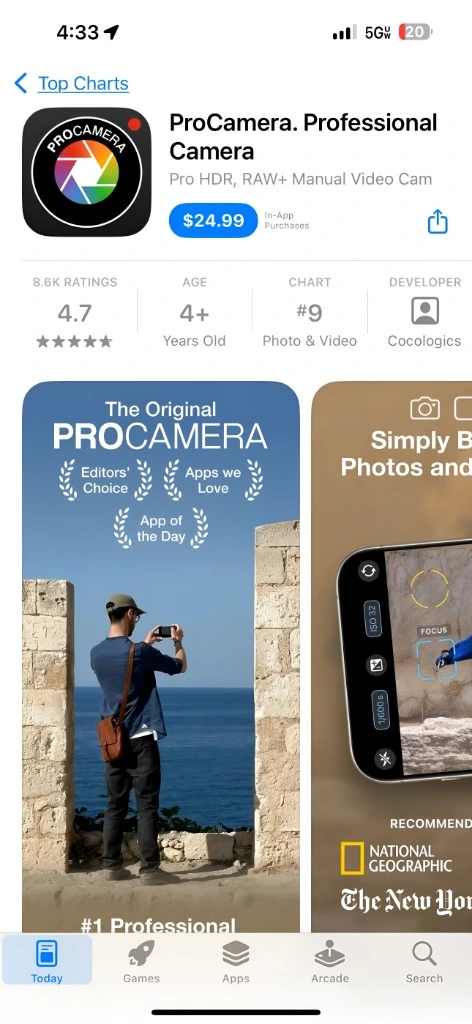
ProCamera is especially helpful for:
The good thing about ProCamera is that it gives advanced tools but still feels easier than many other professional camera apps.
Adobe Lightroom — Best for Editing iPhone Photos
Adobe Lightroom is one of the strongest photo editing apps for iPhone. It is good for beginners, but it is also powerful enough for professional photographers. You can edit colors, light, shadows, skin tones, sky, background, and small details. Lightroom is especially useful because of its masking tools. You can edit only the sky, only the subject, only the background, or only one part of the photo.
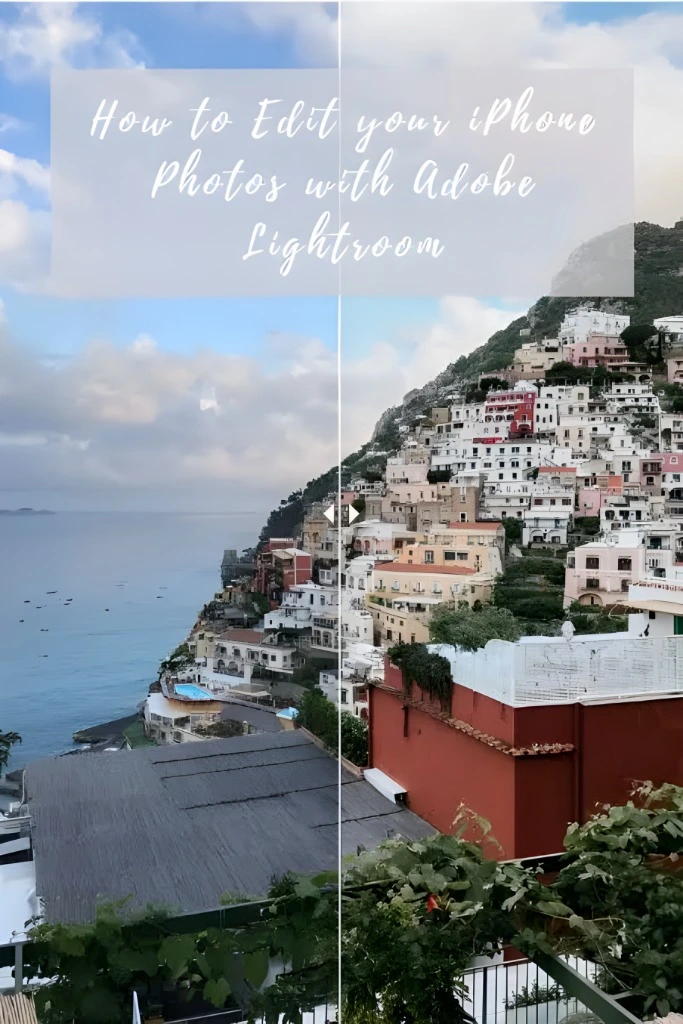
Use Lightroom for:
The free version is useful, but the paid version gives more advanced tools.
Snapseed — Best Free Photo Editing App
Snapseed is a free photo editing app by Google. It offers many tools and remains a good option for people who do not want to pay for editing apps.
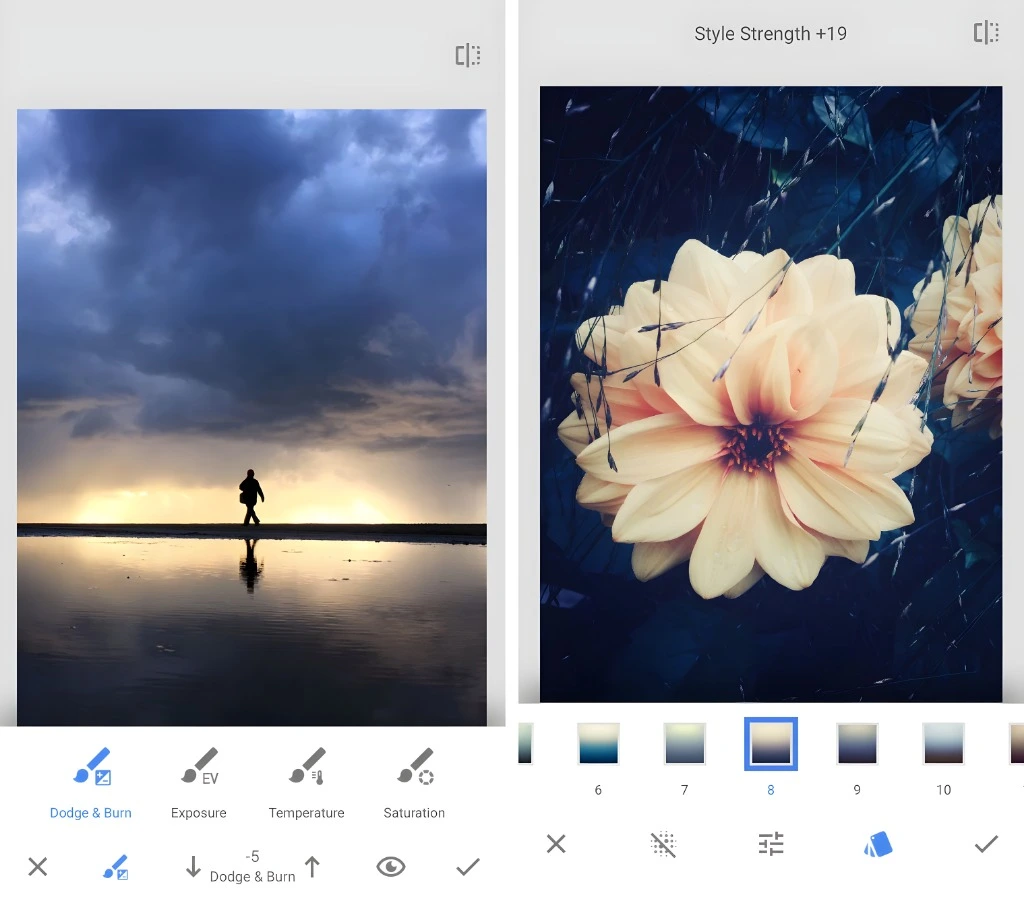
You can use it for:
Snapseed may feel a little old compared to newer apps, but it is still powerful. Once you learn where the tools are, it becomes very useful.
Polarr — Best for Quick Portrait Retouching
Polarr is a good app for editing faces and portraits. It is useful when you want to quickly improve a selfie, profile photo, or family portrait.
It can help with:
Polarr used to be more attractive because many features were free. Now, many useful tools are paid for. Still, it remains a strong option for portrait edits.
Halide Mark III — Best for Natural iPhone Photos
Halide is one of the most popular premium camera apps for iPhone. It is made for people who want more control and a more natural photo style. Many iPhone photos look heavily processed because the phone automatically sharpens, brightens, and adjusts the image. Halide is useful if you want a more natural result with less automatic processing.
Halide is good for:
Halide Mark III also brings a newer shooting experience and updated creative tools, making it one of the most interesting iPhone camera apps in 2026.
Final Cut Camera — Best Apple App for Professionals
Final Cut Camera is Apple’s own professional video camera app for iPhone.It is useful if you record serious videos and want manual control. You can adjust settings like ISO, shutter speed, white balance, frame rate, and focus. It is especially useful for people who use Apple’s video workflow, including Final Cut Pro.
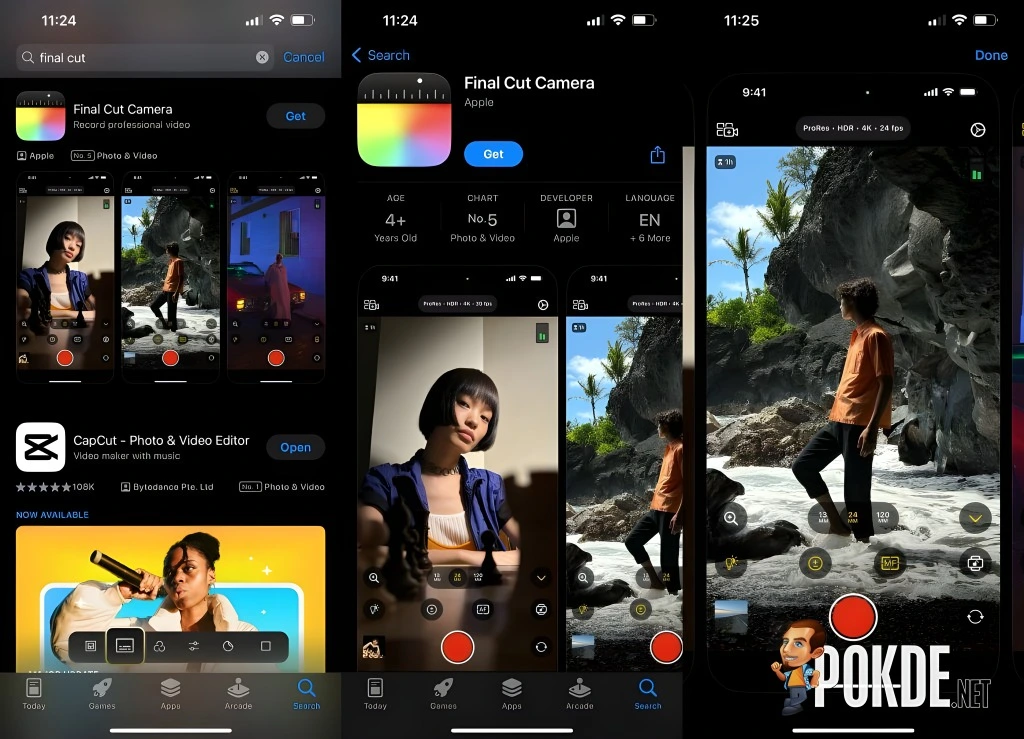
Use Final Cut Camera for:
Because it is made by Apple, it is usually one of the safest choices for using the latest iPhone video features.
Blackmagic Camera — Best Free Professional Video App
Blackmagic Camera is one of the best free video apps for iPhone. It gives your iPhone a more professional video camera interface. You can control many settings that are important for serious video work.
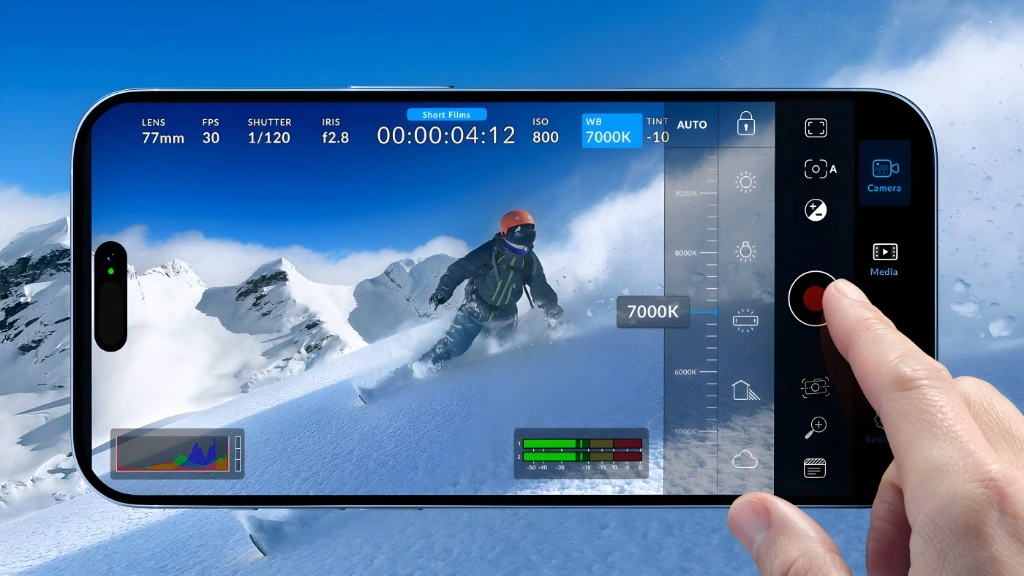
It is useful for:
The best part is that it is free. Many paid apps do less than Blackmagic Camera.
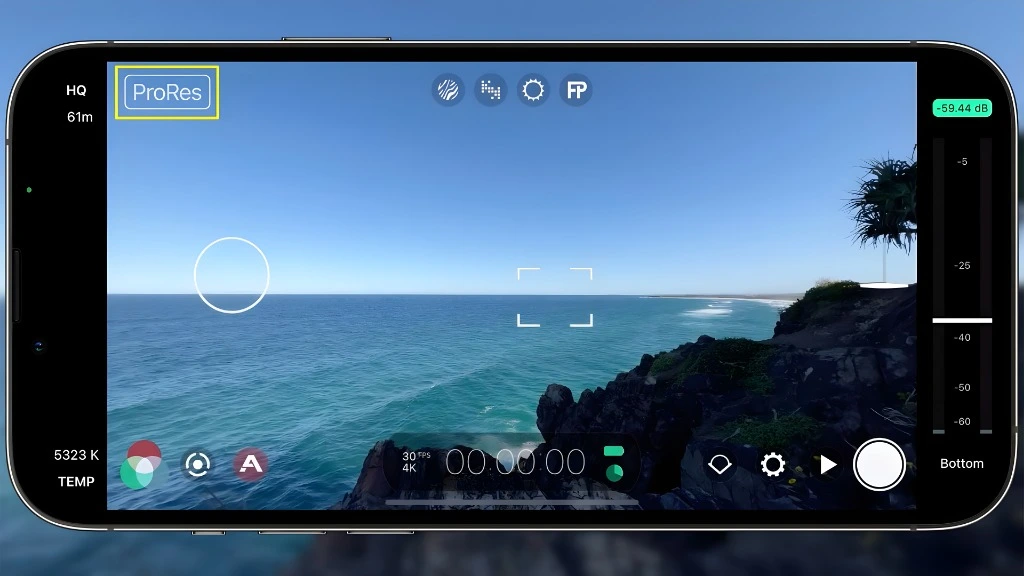
Filmic Pro — Good, But Not the First Choice for Everyone
Filmic Pro was once one of the most famous iPhone video apps. Many mobile filmmakers used it for years. It still has advanced video tools, but many users now choose Blackmagic Camera because it is free and very powerful. Filmic Pro may still be worth checking if you like its interface or already use it.
Moment Pro Camera — Good for Manual Shooting
Moment Pro Camera is another good app for manual photo and video control. It is popular with mobile photographers, especially people who also use Moment lenses and accessories.
You can control settings like:
It is a good app, but many of its features are similar to other manual camera apps.
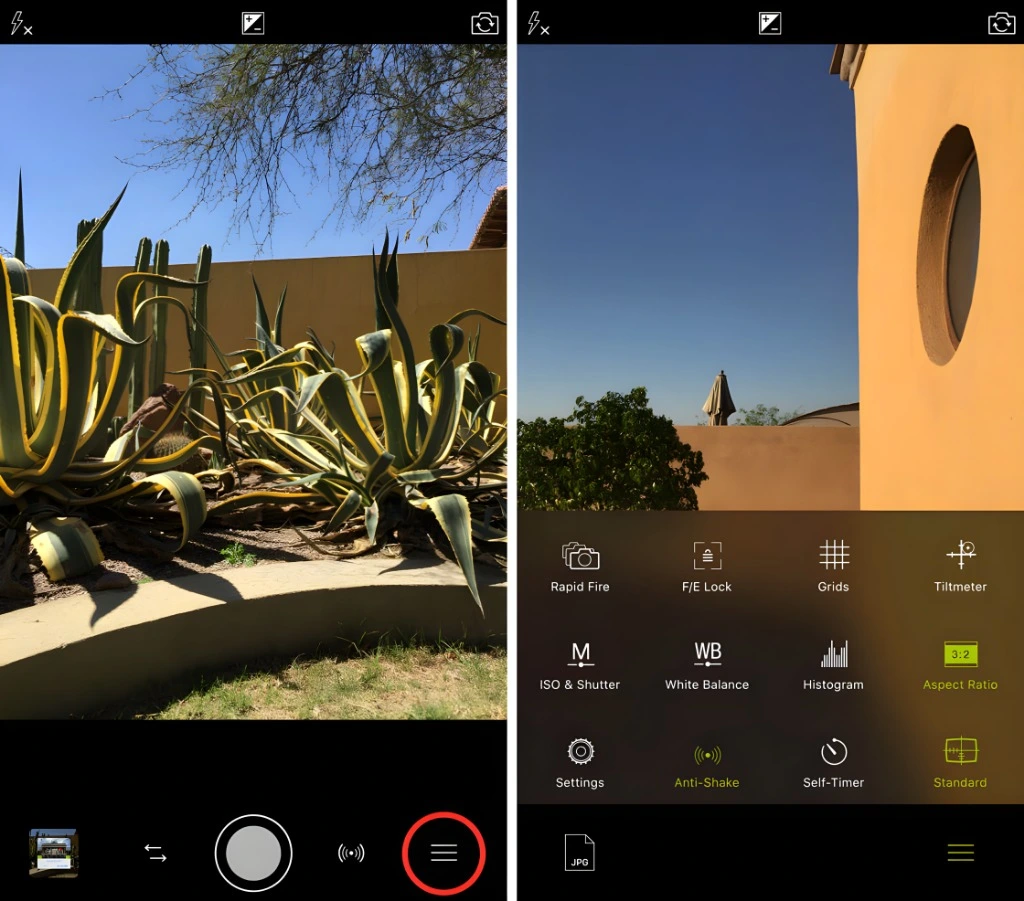
ProCam — Another Strong Manual Camera App
ProCam is a long-running iPhone camera app with many advanced features. It gives manual controls for photos a, nd videos and can be a good choice for people who want many settings in one app.
Use ProCam for:
It is a solid alternative to ProCamera, Halide, and Moment.
NightCap Camera — Best for Star Trails and Night Sky Photos
NightCap Camera is a special app. It is not for everyone, but it can do something fun: night sky photography. With a tripod and a clear sky, you can use it to capture star trails and low-light night photos.
It is useful for:
This app is best when your iPhone is completely still. A tripod is almost required.
Google Photos — Best for Photo Backup and Search
Google Photos is not really a camera app, but it is still one of the most useful apps for iPhone photographers. If you take many photos, backup becomes important. Google Photos helps you save, organize, and search your photo library.
It is helpful for:
Many people use both iCloud Photos and Google Photos for extra safety.
Luminar Mobile — Good for Creative Edits
Luminar Mobile is useful for people who like quick creative editing. It is connected with Luminar’s desktop editing software, so it can be helpful if you already use Luminar on your computer.
Use it for:
It is not the first app every iPhone user needs, but it is worth trying if you enjoy creative editing.
Which iPhone Photo App Should You Choose?
Here is the simple answer:
Best App Combination for Most People
You do not need 20 apps. Most people only need 3 or 4.
A good, simple setup is:
If you want more photography control, add ProCamera or Halide. If you want better portraits, add Polarr. If you want night sky photos, add NightCap Camera.
Helpful iPhone Photography Tips
Good apps help, but the app is not everything. Your shooting habits matter too.
Here are some simple tips:
Frequently Asked Questions (FAQs)
CONCLUSION
The best iPhone photography app depends on what you want to do. For most people, the built-in iPhone Camera and Photos app is enough. It is fast, simple, and well-optimized. But if you want more control, ProCamera and Halide are great choices for photography. If you want powerful editing, Lightroom is the best all-around option.
If you want a free editor, Snapseed is still useful. For video, Blackmagic Camera and Final Cut Camera are the strongest options in 2026. The smart approach is simple: do not install too many apps. Pick the ones that solve your real problem.